How to Choose the Best POS System for Shops in Attock (2026 Guide)
A practical, no-fluff guide for Attock shop owners on choosing the right POS system — covering must-have features, local pricing, offline reliability, and tax compliance.
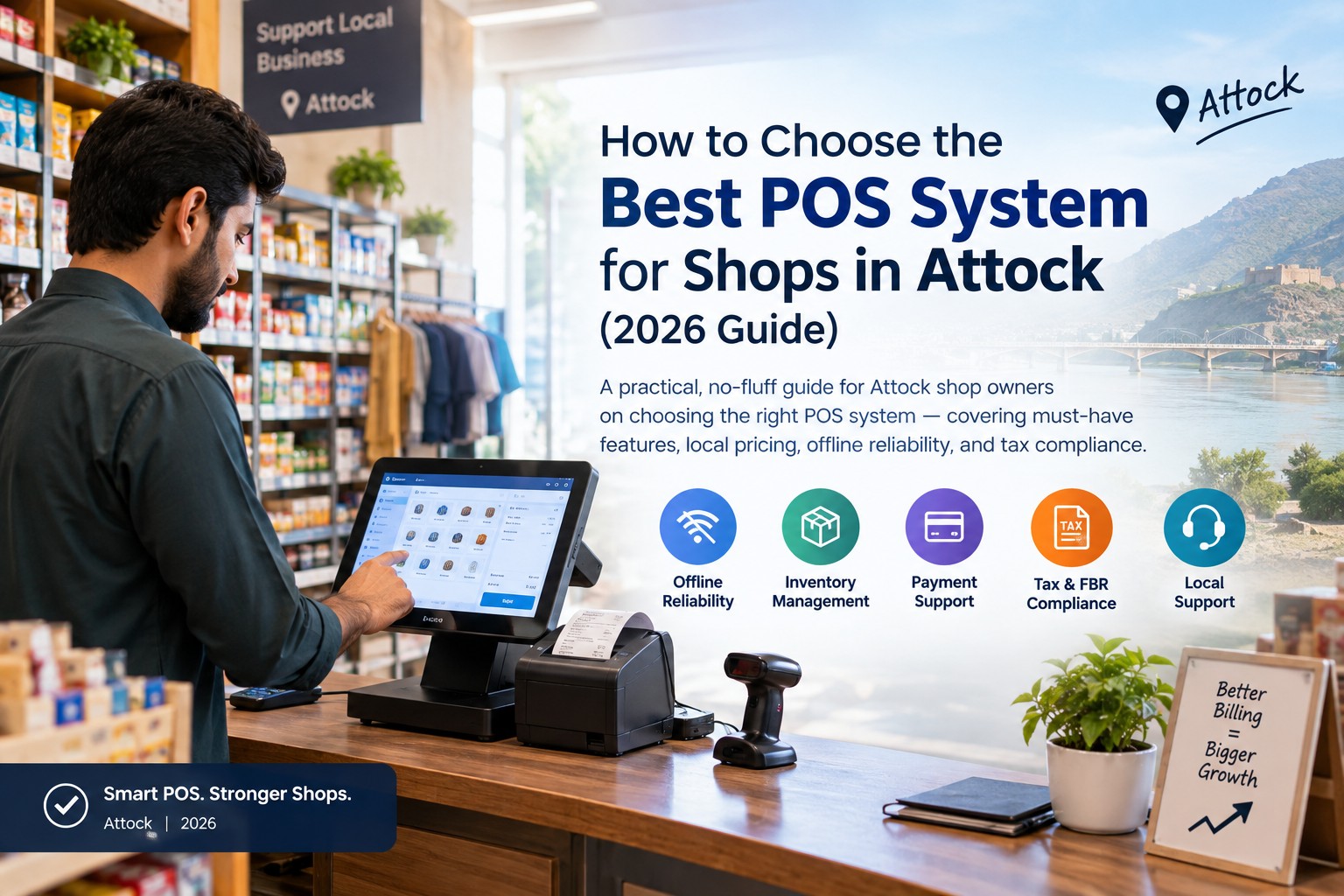
How to Choose the Best POS System for Shops in Attock (2026 Guide)
How to Choose the Best POS System for Shops in Attock
Running a shop in Attock today means competing with faster-growing retail hubs nearby — and a good POS (Point of Sale) system is one of the easiest ways to close that gap. It replaces manual billing registers with a system that tracks sales, inventory, and customers automatically, so you spend less time on paperwork and more time growing your business.
This guide breaks down exactly what to look for before you buy.
What Is a POS System, Exactly?
A POS system is software (and sometimes hardware) that:
- Processes customer bills and prints receipts
- Tracks stock levels automatically as you sell
- Records daily, weekly, and monthly sales
- Manages customer accounts, discounts, and credit (khata)
- Generates reports so you always know what's selling and what isn't
For a general store, garment shop, mobile/electronics dealer, or pharmacy in Attock, this alone can cut hours of manual work every week.
8 Things to Check Before You Choose a POS System
1. Offline Reliability
Internet and power aren't always consistent outside major cities. A POS that keeps billing running during an outage — and syncs data once you're back online — is essential for Attock shops, not optional.
2. Inventory Management
Look for real-time stock updates, low-stock alerts, and barcode support. This prevents both overstocking dead items and running out of fast-sellers during busy hours.
3. Ease of Use
Your staff shouldn't need days of training. A simple, Urdu-friendly interface means faster checkout and fewer billing mistakes at the counter.
4. Local Payment Support
Cash is still common, but EasyPaisa, JazzCash, and card payments are growing fast. Your POS should handle all of them without extra plugins.
5. Tax & FBR Compliance
If you're a registered business, look for FBR/POS integration support so your invoices and sales records stay audit-ready without manual entry.
6. Customer & Credit (Khata) Management
Many Attock shopkeepers still extend credit to regular customers. A POS that tracks khata digitally avoids the disputes and lost records that come with notebooks.
7. Pricing That Fits Your Budget
POS pricing in Pakistan generally falls into three tiers:
- Free/basic apps – billing only, no real inventory or reporting — fine for testing, not for daily use
- Monthly subscription (cloud POS) – typically PKR 3,000–15,000/month, with ongoing feature updates
- One-time local software – roughly PKR 80,000–200,000+, built for local workflows with no recurring fee
Match the tier to your shop size — a single small store rarely needs the same setup as a multi-branch business.
8. Local Support
When something breaks at 6 PM on a busy Saturday, you need someone who answers the phone — not a support ticket queue in another time zone. Prioritize a provider with real support inside Pakistan.
Cloud POS vs. Offline POS — Which Is Better for Attock?
- Cloud POS: Access your sales data from your phone anywhere, automatic backups, easier for multi-branch owners — but depends on stable internet.
- Offline/hybrid POS: Keeps working through outages, syncs later — often the safer default for smaller towns and areas with inconsistent connectivity.
Most Attock retailers do well with a hybrid system: works offline at the counter, syncs to the cloud when internet is available.
Quick Checklist Before You Buy
- Works offline during power/internet outages
- Real-time inventory tracking with low-stock alerts
- Supports EasyPaisa/JazzCash and card payments
- FBR-ready invoicing (if applicable to your business)
- Simple enough for staff to use with minimal training
- Local, responsive customer support
- Pricing that matches your shop's size and budget
Final Thoughts
The best POS system isn't the one with the longest feature list — it's the one that fits how your shop actually operates day to day. Start with your biggest pain point (slow billing? stock mismatches? credit tracking?) and choose a system that solves that first.
If you're comparing POS options for your shop in Attock, get in touch with our team https://sheraian.com/contact-us — we'll help you find a setup that fits your business and budget.
FAQs
Q: Do small shops in Attock really need a POS system, or is a register enough?
A: A register works, but it gives no sales data, no stock tracking, and no protection against billing errors — a basic POS closes all three gaps at low cost.
Q: Is internet required to use a POS system in Attock?
A: Not with a hybrid/offline-capable system — it keeps billing running locally and syncs data once your connection is back.
Q: How much should a small shop budget for a POS system?
A: Most small Attock retailers can get a solid setup for PKR 3,000–15,000/month (cloud) or a one-time cost in the PKR 80,000+ range for a fully custom local system.