What Happens After Your App Launches?
Launch is the start of the maintenance clock, not the finish line. What OS updates, store policy changes, and dependency upgrades mean for an unmaintained app.
What Happens After Your App Launches?
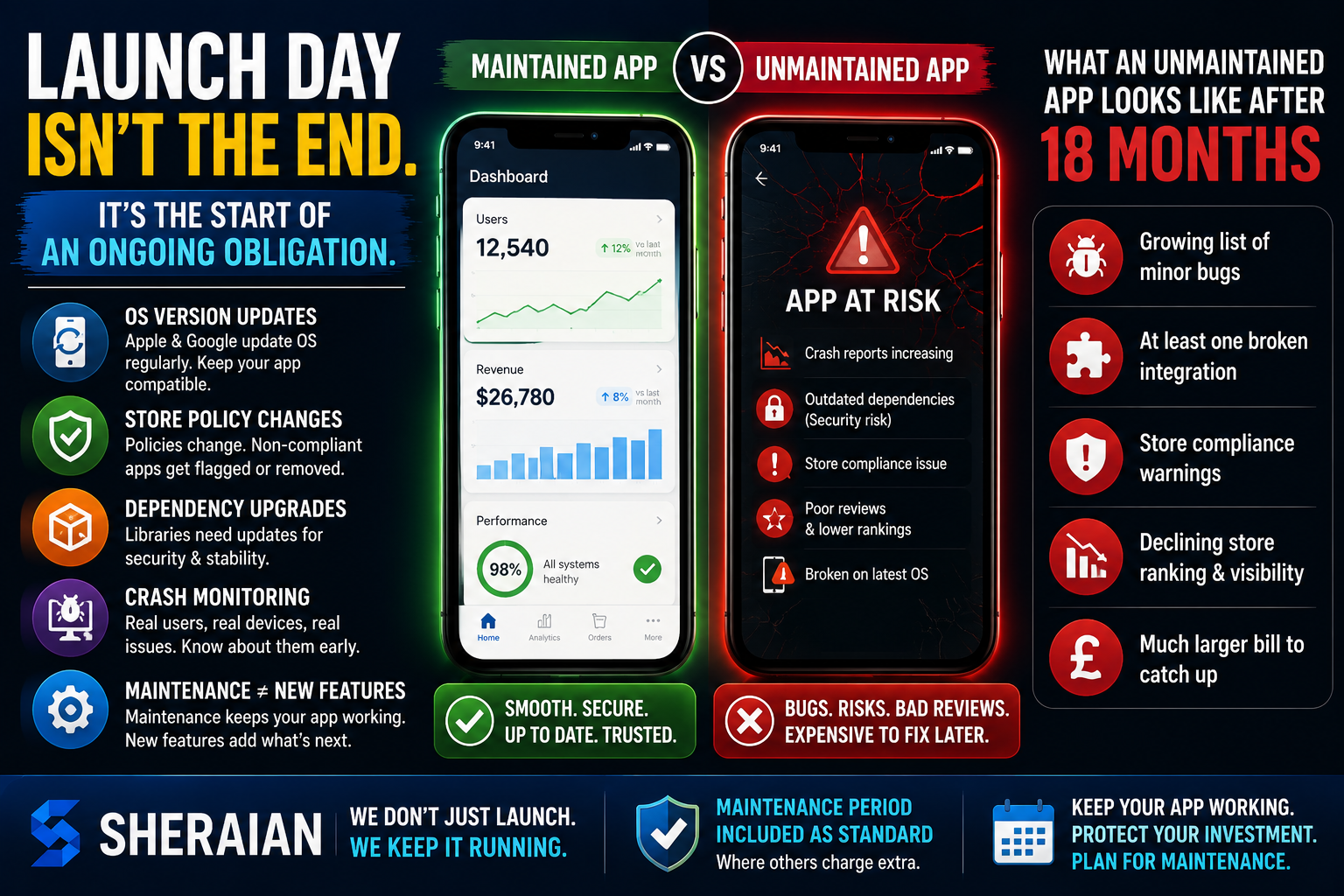
Launch day feels like the finish line. It isn't — it's closer to the start of an ongoing obligation, and it's one a lot of buyers don't budget for because the sales conversation understandably focused on getting the app built and shipped.
OS version updates
Apple and Google ship major OS updates roughly annually, plus regular minor releases. Each can change how existing APIs behave, deprecate features your app relies on, or introduce new permission requirements. An app that isn't updated to track these will gradually develop small breakages — a camera permission prompt that stops working, a layout that renders wrong on a new device size.
Store policy changes
Apple and Google both update their submission and privacy policies regularly. An app that complied at launch can fall out of compliance a year later without a single line of its own code changing, simply because the rules moved. Non-compliant apps get flagged for removal, not just blocked from new updates.
Dependency upgrades
Every app is built on third-party libraries and frameworks. Those get security patches and breaking changes over time. Leave them unpatched too long and you accumulate both security exposure and a much harder, more expensive upgrade when you eventually have to do it all at once.
Crash monitoring
Devices, OS versions, and network conditions in the real world are far more varied than any test environment. Crash monitoring tools surface issues that only show up for a subset of real users — without them, you generally only find out about problems from angry reviews.
Maintenance vs new feature work
These are different budgets and different conversations. Maintenance is keeping the existing app working as the ground shifts underneath it — OS updates, policy changes, security patches, monitoring. New feature work is adding capability that didn't exist before. Treating maintenance as optional, or lumping it into the same budget as new features, is how apps quietly rot.
What an unmaintained app looks like after 18 months
Typically: a growing list of minor bugs nobody fixed, at least one broken integration where a third-party API changed, a store compliance warning or two, declining store ranking because updates stopped, and a much larger bill if someone eventually has to bring it current all at once rather than incrementally.
Sheraian includes a maintenance period as standard on app builds — most competitors treat it as a separate line item you only discover you need after something breaks.